Your money is only as safe as your employee's weakest password.
Seven years ago, small businesses had a 20% risk of cyberattack. Now it's approaching 50%.
Attackers don't "hack in" — they log in with your credentials, unlocking a chain of failure.
Common myths.
> Automation Doesn't Care Who You Are.
We hear this all the time, and it's partly true. You aren't being targeted personally. Most attacks are scripted and opportunistic — bots scan the internet for weak passwords, exposed logins, and unauthenticated email. No brand recognition required.
Turn on MFA for every email, CRM, payment, and admin account.
Audit and replace weak or reused passwords regularly.
Implement a password manager (e.g., Zoho Vault) for all accounts and personnel.
> Every Shared Login Doubles Exposure.
One password in many hands is one step from everywhere. Once attackers breach one account, they often gain access to many. If one person is phished, their laptop is stolen, or they leave on bad terms — everyone who uses that login is exposed.
Share access via Zoho Vault without revealing passwords.
Assign by role (folders/groups), not by one shared credential.
Rotate any truly shared passwords on a set schedule and at offboarding.
> Vendors Secure Their Platforms — Not Yours.
If an attacker logs in as you, most systems will assume it IS you. Responsibility for credentials, MFA, and domain authentication is on the account owner — namely, you.
Enable MFA and login alerts on every email, CRM, payment, and admin account.
Authenticate mail with SPF, DKIM, DMARC for sending domains.
Review audit logs and admin permissions monthly.
> Busy People Click Smart-Looking Tricks.
Modern phishing and spoofed invoices look completely legitimate, especially to busy employees trying to complete tasks quickly. Neither professionalism nor intelligence are effective deterrents to contemporary AI-powered attacks.
Quarterly micro-training on red flags and tips.
Verify important changes by phone and email every time.
Harden email (SPF/DKIM/DMARC) to cut spoofing success.
> Modern Tools Make Strong Security Easy.
It does require new habits, and that can sometimes be hard. But after a short transition, security gets faster and simpler than with passwords. Added bonus: no more password resets.
Roll out Zoho Vault company-wide; use generated passphrases instead of passwords.
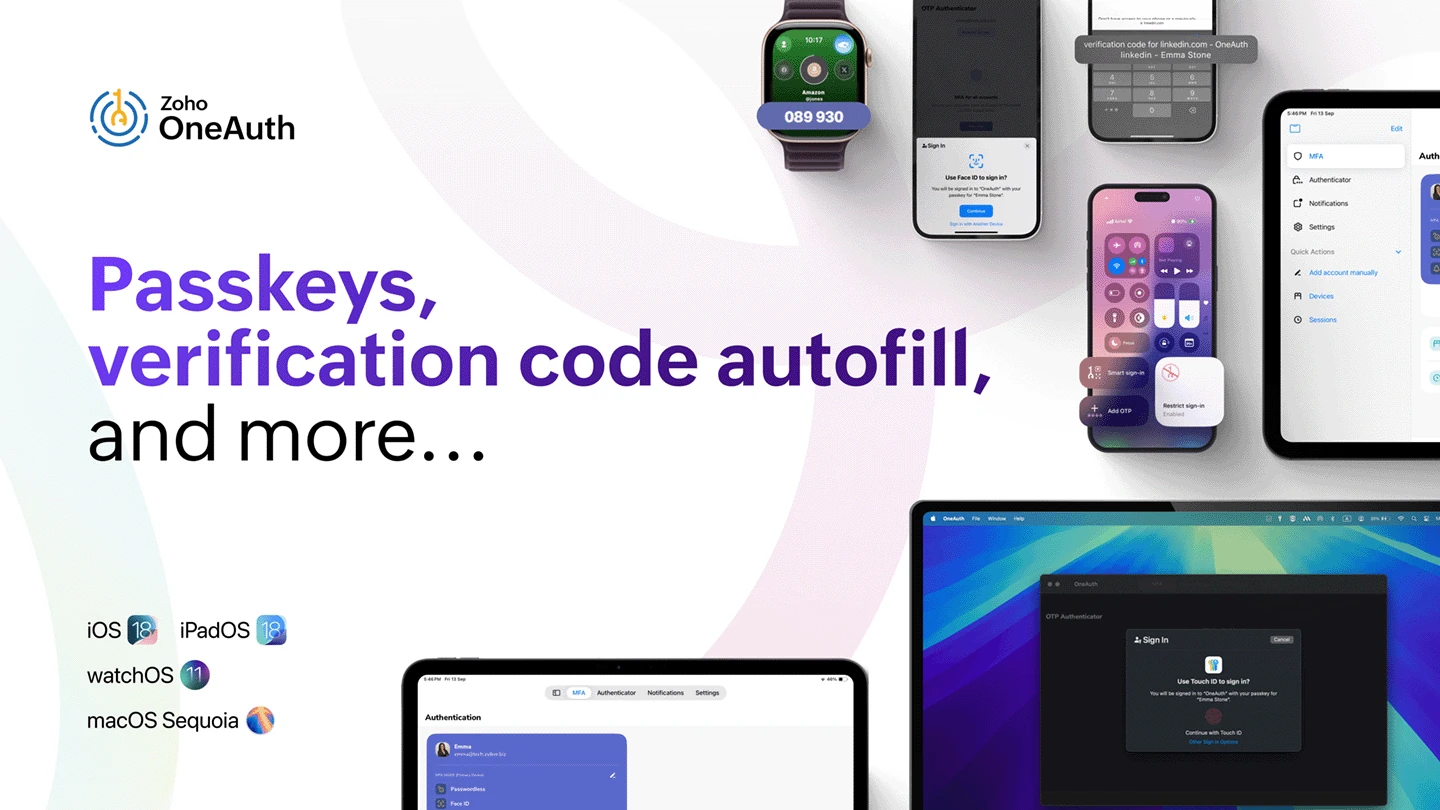
Use a strong authenticator app such as Zoho OneAuth over SMS codes.
Publish a one-page, plain-English password policy and train everyone.
> Good Luck.
According to Verizon's 2024 Data Breach Investigations Report, the average cost of a small business breach — direct losses, lost business, legal fees — ranges from $120k to $1.24 million. Over 60% of those attacked wind up closing.
Do a quick security snapshot: email, critical accounts, MFA, offboarding.
Quarterly check-ins to catch drift such as reused passwords or missing MFA.
Post a simple incident checklist of who to call and what to lock down.
Good security isn't complicated — but it does need to be intentional. With a password manager, MFA, and basic email protections in place, you eliminate the easiest attacks on small businesses.
The good news? Zoho Vault and OneAuth already do most of the work for you.
If you're not already worried, let us scare you more.
Schedule a Free Consultation| Do | Don't |
|---|---|
| Use a password manager (e.g., Zoho Vault) for all business logins. | Reuse the same password across accounts. |
| Turn on MFA for email, CRM, banking, payments, and admin panels. | Assume your vendor alone protects you. |
| Use an authenticator app (e.g., Zoho OneAuth, Google Authenticator, Authy) instead of SMS codes. | Rely only on text-message MFA, which is easier to intercept. |
| Assign access by role and revoke it immediately when staff leave. | Share one login across the whole team. |
| Set up SPF, DKIM, and DMARC on domains used for email, CRM, and notifications. | Send invoices or notifications from unauthenticated domains. |
| Train staff quarterly with short phishing refreshers. | Rely on "common sense" to catch scams. |
| Verify sensitive changes (like bank details) with a second channel (e.g., phone). | Approve urgent-looking requests by email alone. |
| Keep an incident checklist (who to call, what to lock down) before you need it. | Wait until after a breach to figure out your response. |
Use a password manager across the business.
Unique passwords only. Never reuse — ever.
Strong passwords only. Use a generator with 12–20 characters.
MFA required on email, banking, payment processors, hosting, DNS, and admin accounts.
Never email passwords. Share access via Zoho Vault.
Offboard same-day: remove user access and rotate any shared credentials.
Never store passwords in documents, notes, or spreadsheets.
Report suspicious emails or requests immediately.
Before everything else, getting ready is the secret of success.— Henry Ford